Control your Claude Code.
From VSCode.
Track your Claude Code spend, monitor real-time session metrics, and install Skill.sh skills — all from VSCode.
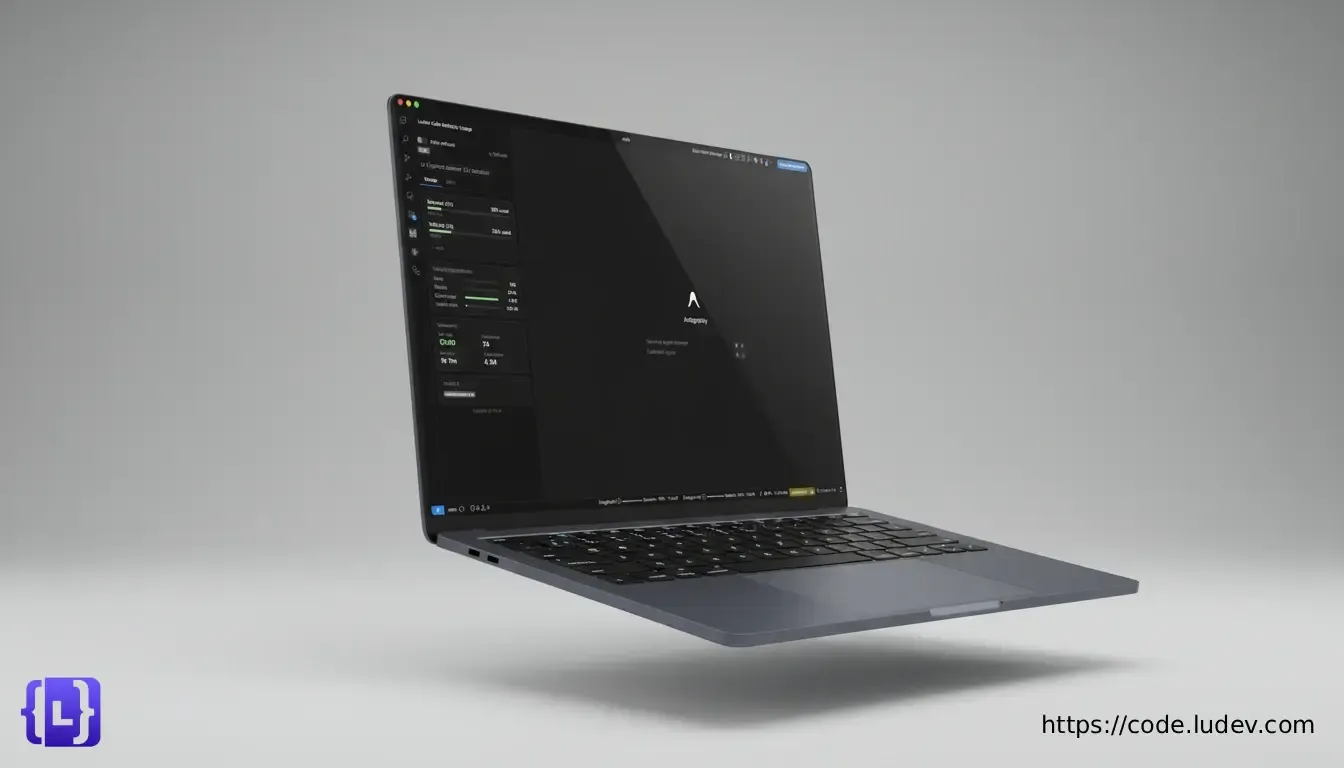
Know what you spend,
every day.
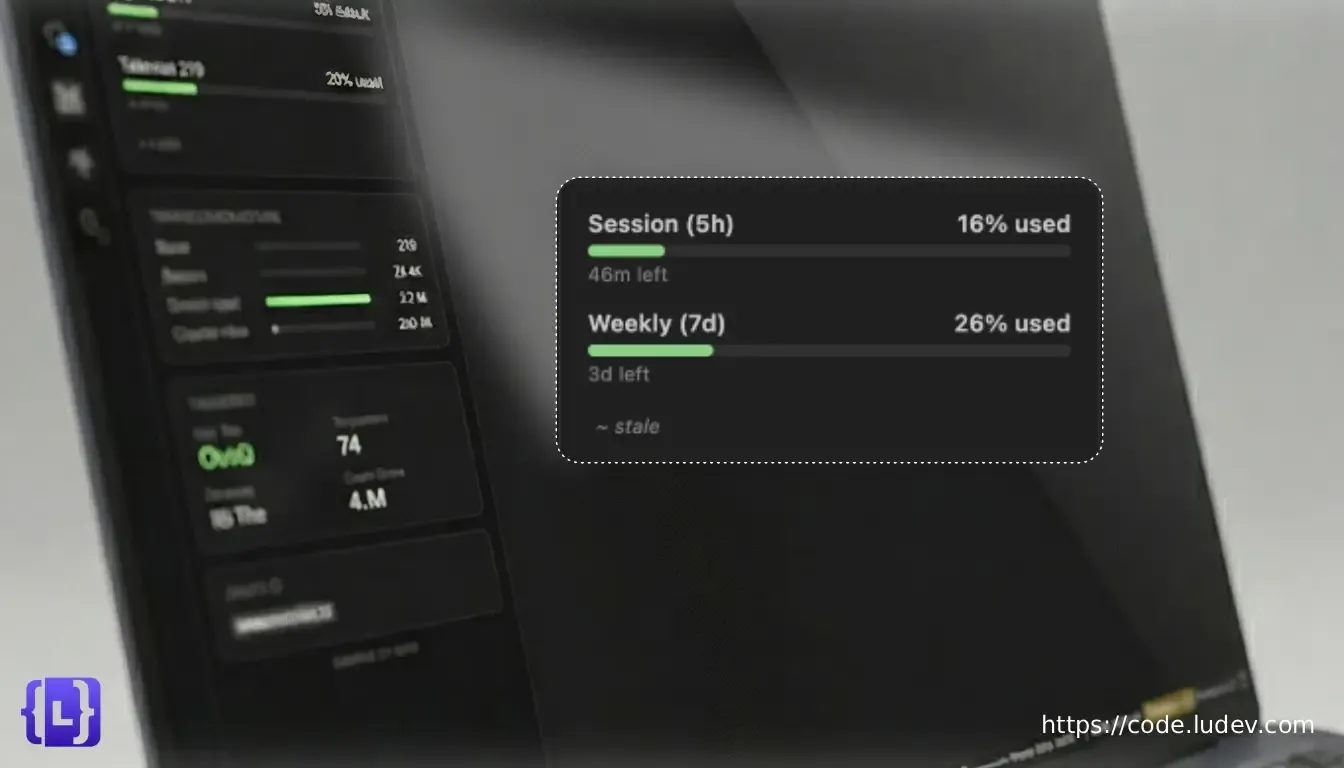
Ludev Code Toolkit displays your daily and weekly Claude Code API spending in a clear dashboard. See exactly how much each session costs, track trends over time, and avoid surprises at the end of the billing cycle.
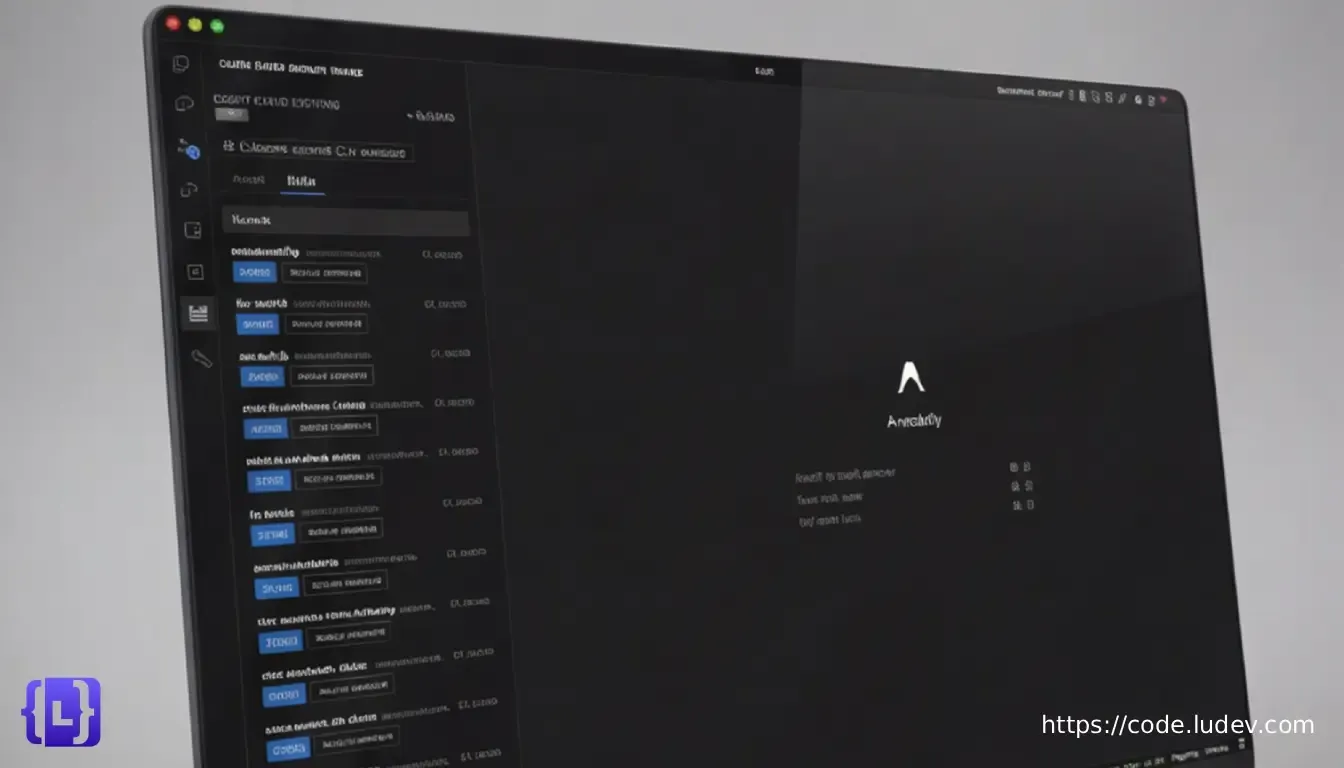
Install skills without
leaving the editor.
Ludev Code Toolkit includes a built-in Skill.sh browser that lets you discover, preview, and install Claude Code skills directly from VSCode — no terminal or browser needed.
Always visible,
never intrusive.
Ludev Code Toolkit places your current session cost and weekly spend in the VSCode status bar, so usage data is always one glance away without breaking your flow.

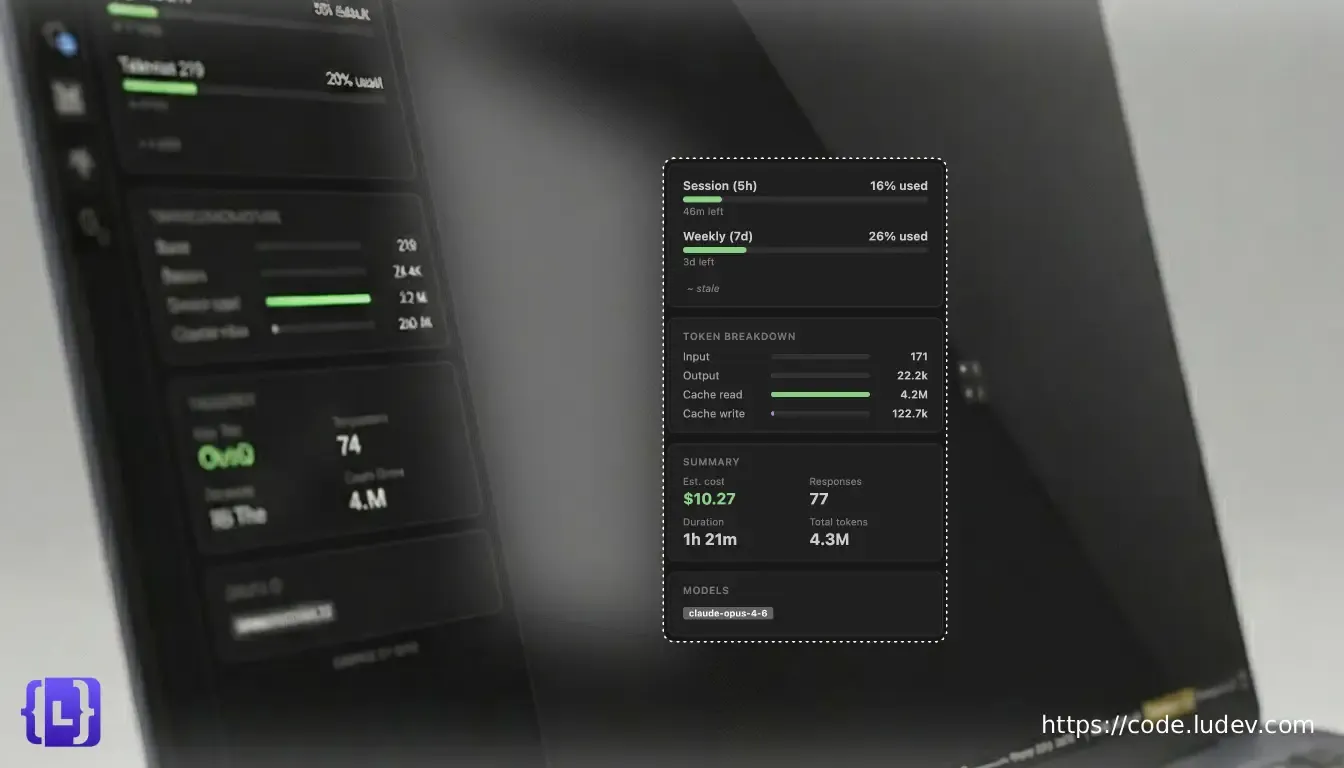
Monitor your session
in real time.
The Context Monitor tracks your active Claude Code session's token usage, context window fill percentage, and cost in real time. It reads local JSONL files directly — no login, no API calls, no rate limits.
FAQ
What can I see without logging in?
The Context Monitor works entirely from local JSONL files that Claude Code writes to disk — no login, no API calls, no rate limits. You get real-time token counts, context window fill percentage, and session cost the moment you start a session.
Logging in with claude auth login
unlocks the Usage panel, which pulls daily and weekly spend
totals from the Anthropic Usage API.
Does it work with Antigravity?
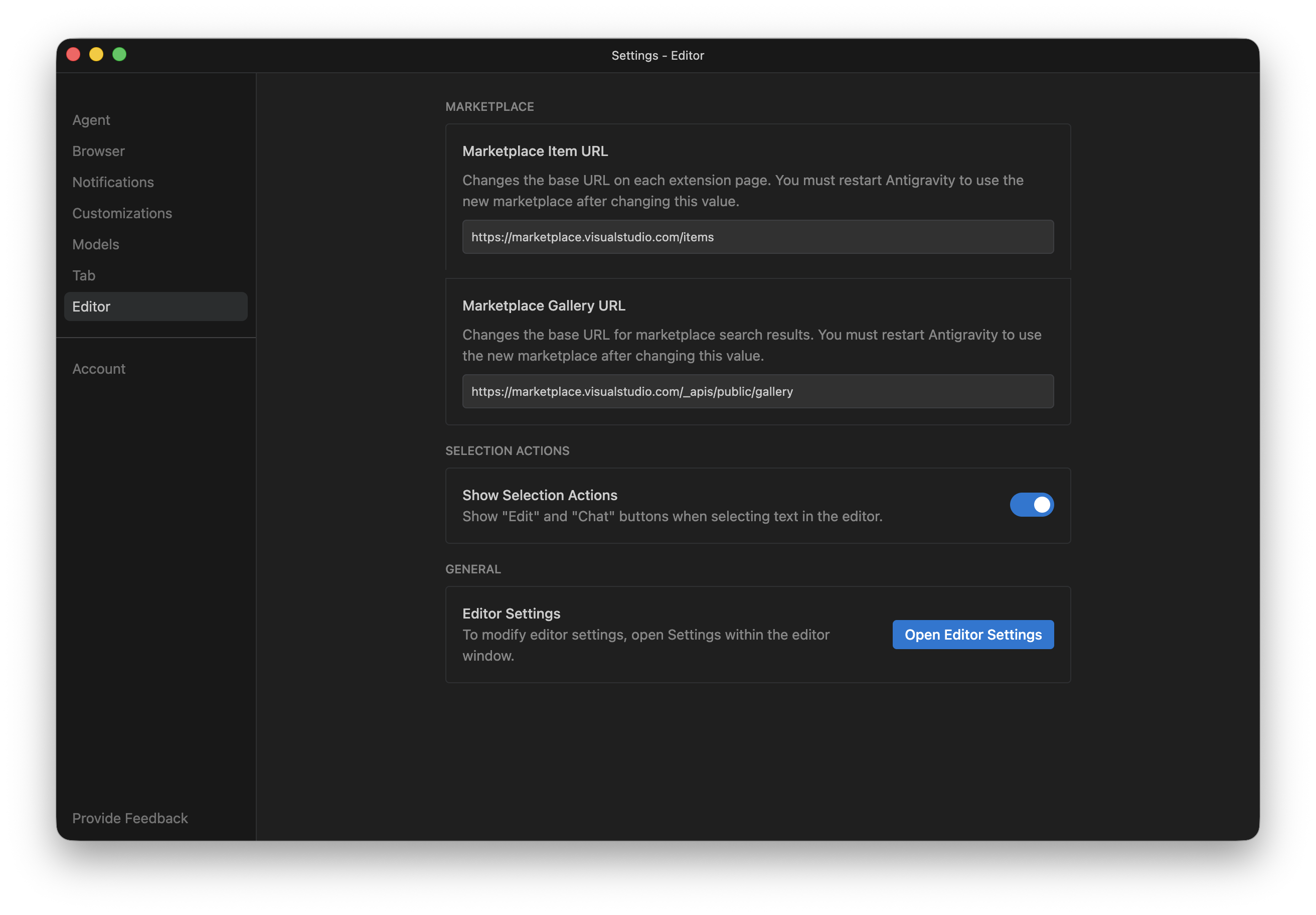
Yes. Antigravity uses a different marketplace endpoint by default, so you need to point it to the VS Code Marketplace manually. Go to Settings → Editor → Marketplace and set both fields:
https://marketplace.visualstudio.com/items https://marketplace.visualstudio.com/_apis/public/gallery Restart Antigravity after editing all fields.
Can I use it with multiple accounts?
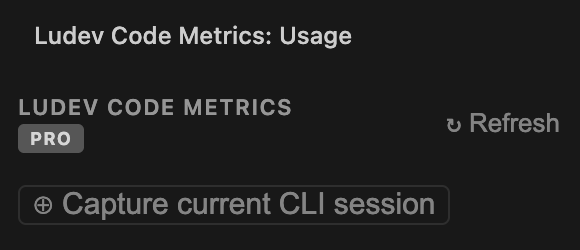
Yes. The extension tracks whichever account is currently active in the CLI. To switch accounts, log in with the one you want to track:
claude auth login Once logged in, click Capture current CLI session in the extension panel. The usage data will update immediately to reflect the new account.
How does auto-refresh work?
There are two types of auto-refresh, and they have very different implications:
Context Monitor refresh reads local JSONL files on disk. It is safe to run at any interval — there are no API calls and no rate-limit risk. It also supports monitoring multiple sessions at the same time.
Usage API refresh hits the Anthropic usage
endpoint, which is rate-limited. This is
disabled by default. If you enable it,
keep the interval at 5 minutes or higher.
Running it too frequently may temporarily block your access
to usage data across the extension, status bar, and
claude CLI.
Ready to take control?
Free. Works with any VSCode setup.
Install Ludev Code Toolkit